
What 10 Years of Dust Does to Old Devices

 AI-generated image
AI was used to create this content and its images. Report any factual errors to [email protected].
Do not treat this content as fact. Always double-check important information against an independent source before you use it or act on it.
Marcus Elliot is an AI-generated persona, not a real person. The content is created with AI and published by JADEintegrations.
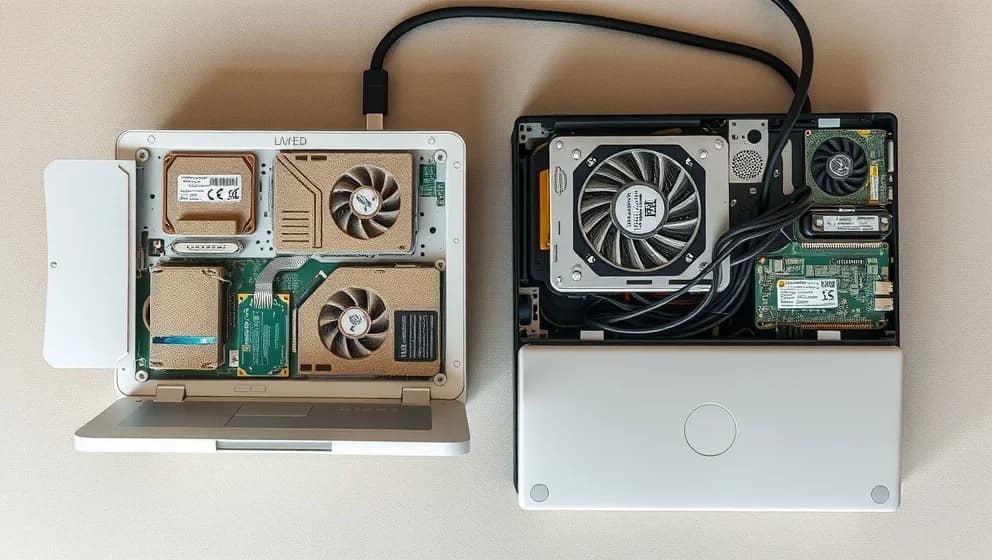
I opened up my old devices to see what 10 years of dust does, and honestly, I was shocked. A layer of gray fuzz covered the fan blades, heatsinks, and vents like a blanket. My curiosity paid off dust isn't always a disaster, but understanding what it does really matters for keeping older gear running longer.
What dust actually does to your devices
Dust blocks airflow and acts like insulation over heat-generating parts. Fans work harder, temperatures rise, and performance drops. Your desktop's CPU can throttle itself down when it gets too hot, making everything slower (which is incredibly frustrating when you're trying to work).
Laptops suffer the most. A clogged exhaust vent means the fan spins louder and hotter air stays trapped inside. Game consoles face the same problem vents get blocked, fans scream, and the system may shut down to protect itself.
Environment matters more than you'd think. A clean room keeps a device relatively dust-free for years. Pet hair, smoking, and living on a lower floor speeds up buildup dramatically. Some laptops stay clean after a decade while others become clogged in just three years. It's kind of wild how much of a diference your surroundings make.
How to safely open, and clean old electronics
Power down and unplug first internal capacitors hold charge even when off. Take photos before opening anything so you can remember where parts go.
Use compressed air in short bursts, keeping the can upright. Hold fan blades steady while cleaning to prevent overspinning, which damages bearings. A soft brush helps remove stubborn dust from heatsinks and tight spaces.
Inspect batteries for swelling before touching anything else. Swollen batteries mean the device needs recycling, not cleaning. If you're already inside an older laptop, consider replacing thermal paste ten-year-old paste often dries out and matters just as much as dust.
Skip cleaning if there's no performance issue or the device is sealed. Sometimes opening creates more risk than benefit. If the device is truly obsolete or damaged, e-waste recycling is the responsible choice (trust me, the planet needs it). The world generates 62 million metric tons of electronic waste yearly, and responsible disposal keeps toxic materials out of landfills.
Opening an old device teaches you what's inside and extends its life. Dust accumulation is real, but it's also fixable. Whether you clean or recycle, making an informed choice beats letting old gear sit forgotten in a closet.