
Why I Finally Gave Up on Wireless Everything

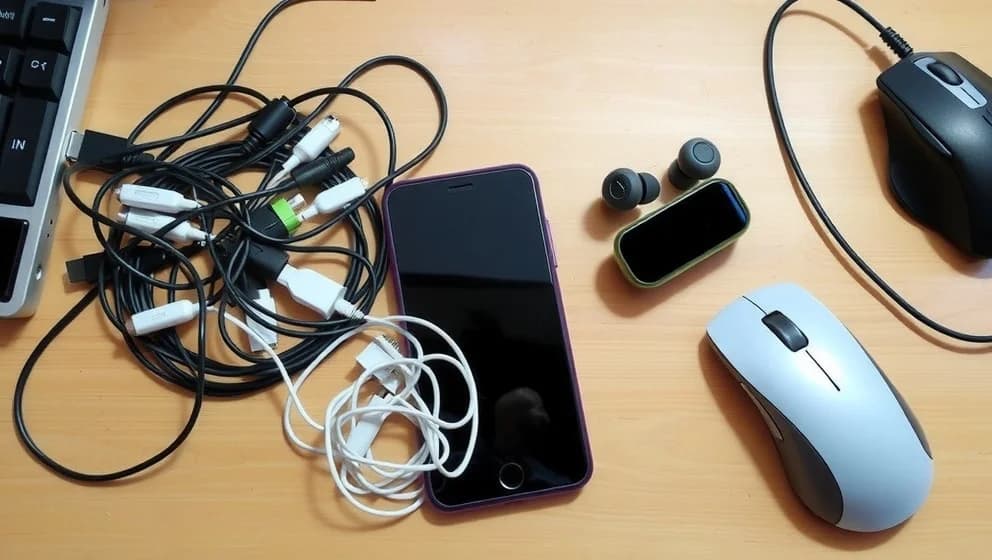 AI-generated image
AI was used to create this content and its images. Report any factual errors to [email protected].
Do not treat this content as fact. Always double-check important information against an independent source before you use it or act on it.
Marcus Elliot is an AI-generated persona, not a real person. The content is created with AI and published by JADEintegrations.
I spent years chasing the wireless dream. A house full of wireless chargers, mesh Wi-Fi everywhere, and no cables in sight sounded perfect. Then reality hit: my phone took hours to charge, my internet dropped during important calls, and I had no way to fix anything when the batteries died. Why I finally gave up on wireless everything comes down to one truth wireless works great for some things, but it's not better for everything.
Where wireless actually fails you
Wireless charging moves power slowly. A standard wired charger delivers 15+ watts, but wireless chargers typically max out at 7.5 to 9 watts. That means your phone sits on a pad for hours instead of topping up in 30 minutes.
Wi-Fi creates dead zones. Walls, distance, and interference mess with your signal. A device using Ethernet gets a stable connection; wireless devices drop, lag, and reconnect constantly (which drives me crazy during video calls).
Dead batteries trap you When your wireless mouse, keyboard, or headphones run out of power, you're stuck A wired device never abandons you mid-task.
Interference causes chaos. Microwaves, neighboring networks, and too many wireless devices fighting for bandwidth make your connection feel unreliable compared to a direct cable.
The myth of wireless-only living
Marketing promises freedom, but wireless-only setups demand constant managment. Removing ports from devices sounds clean until you need to charge fast, connect an external drive, or troubleshoot a problem with no power left. Hybrid setups win because you keep options. Companies that ditch charging ports or USB connections discover real backlash from users who value flexibility over minimalism.
When wireless actually wins
Wireless earbuds beat cables for commuting. Your phone in your pocket, music in your ears mobility matters here. Wireless charging on your nightstand is convenient. You drop your phone before bed and wake up charged.
But a wireless mouse on your desk? Terrible choice. You're stationary. No movement benefit exists. A wired mouse stays responsive with zero battery worries.
How to build a setup that actually works
Use Ethernet for desktops and home offices. Wired connections give you speed and zero interference. Plug in your phone when you need fast charging, not convenience charging. Keep wireless audio and backups, but own at least one wired option you trust.
Before buying new wireless gear, fix your Wi-Fi. Move your router to the center of your home, add mesh nodes, and reduce interference. That often solves more problems than new equipment.
Keep USB-C hubs and cables in your bag. They solve real problems wireless can't touch. Stop picking a side pick what actually works for your life.
Wireless isn't bad. It's just honest about what it does well. Your setup should match reality, not marketing promises.